
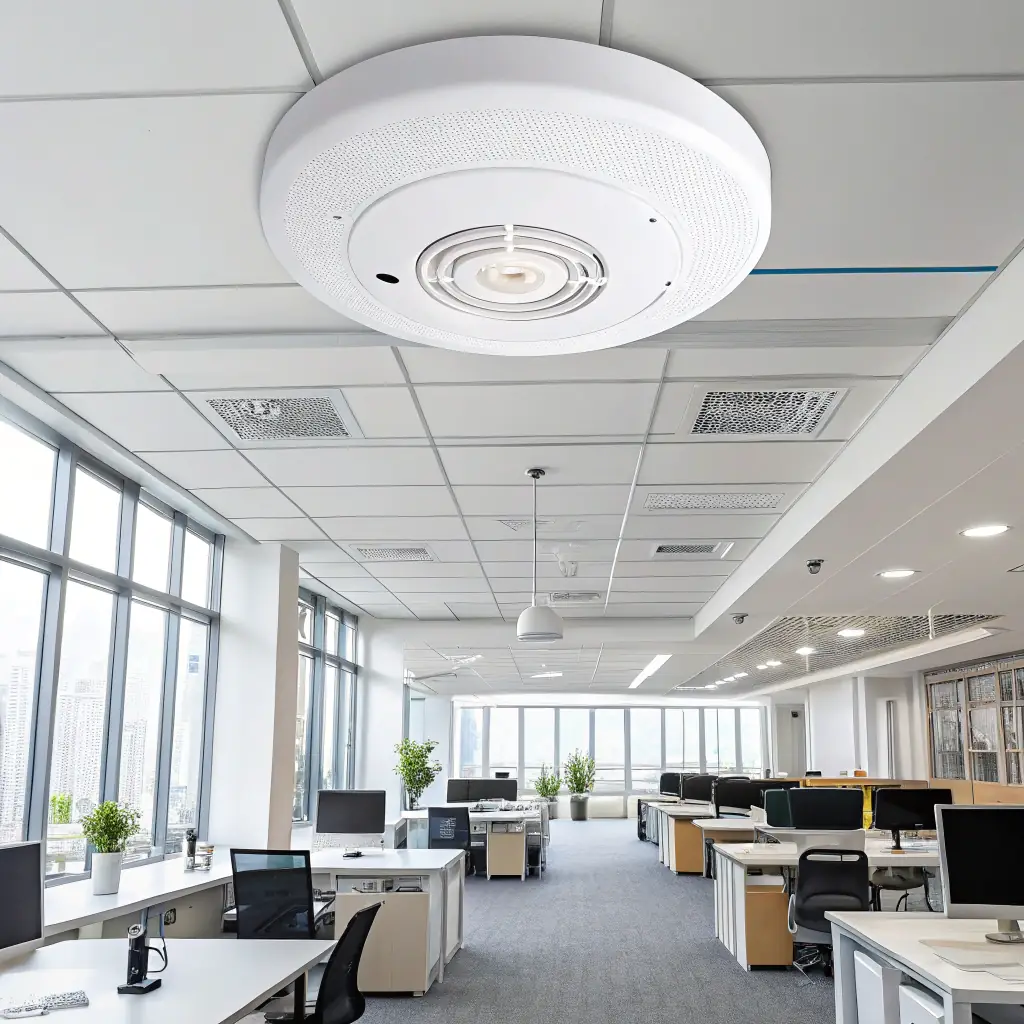
Reliable Wi-Fi is no longer a convenience—it’s mission-critical infrastructure. From cloud applications and VoIP phones to mobile devices, scanners, cameras, and guest networks, modern businesses depend on wireless connectivity to operate efficiently.
Yet many organizations accept slow speeds, dropped connections, and poor call quality as “normal.” In reality, most business Wi-Fi problems stem from design and deployment issues—not the internet connection itself.
This article explains why business Wi-Fi fails, what separates consumer setups from enterprise wireless networks, and how a properly engineered approach delivers stable, secure, and scalable Business Wi-Fi solutions.
Common Reasons Business Wi-Fi Performs Poorly
Most Wi-Fi issues are predictable—and preventable. These are the most common problems found in commercial environments.
ISP Routers Used as Business Networks
Internet service provider (ISP) routers are designed for homes, not offices, warehouses, or multi-tenant buildings. They lack the processing power, configurability, and security controls required for dozens—or hundreds—of connected devices.
Poor Access Point Placement
Wi-Fi signals weaken quickly when blocked by walls, metal, shelving, or machinery. Mounting access points in hallways, closets, or random ceiling locations often creates dead zones and inconsistent coverage.
Interference and Congestion
Neighboring networks, cordless devices, industrial equipment, and poorly planned channel usage can all degrade wireless performance. Without RF planning, access points compete with each other instead of working together.
No Network Segmentation (VLANs)
When phones, computers, cameras, guest Wi-Fi, and IoT devices all share the same network, performance and security suffer. Lack of VLANs leads to congestion, broadcast noise, and increased risk.
Consumer-Grade Hardware in Commercial Spaces
Retail routers and mesh kits are not built for sustained load, roaming users, or business security requirements. They may work temporarily—but they fail under real-world demand.
Why “More Bandwidth” Doesn’t Fix Wi-Fi Problems
When Wi-Fi slows down, the instinctive response is to buy faster internet. While bandwidth matters, it rarely solves the root cause.
Wi-Fi performance depends on:
- Signal quality and coverage
- Access point density
- Proper channel usage
- Device roaming behavior
- Internal network design
If devices struggle to stay connected or roam poorly between access points, adding bandwidth simply gives them a faster connection to lose. True performance gains come from business network design, not larger internet bills.
What a Properly Designed Business Wi-Fi Network Includes
4
Professional commercial Wi-Fi installation follows a deliberate, engineered process—not guesswork.
Site Surveys and RF Analysis
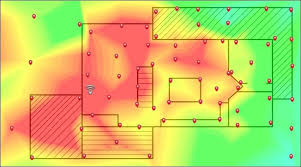
Every building is different. A site survey evaluates construction materials, interference sources, and usage patterns to determine optimal access point locations and signal levels.
Correct Access Point Density
Too few access points create dead zones. Too many cause self-interference. Proper density ensures consistent coverage without congestion.
RF and Channel Planning
Access points must be configured to cooperate, not compete. Channel selection, transmit power, and band steering all matter in busy environments.
Enterprise-Class Network Architecture
Business Wi-Fi integrates with switches, firewalls, and monitoring systems designed for uptime, visibility, and control—not consumer convenience.
VLAN Segmentation
Separating voice, data, guest, and security traffic improves performance, enhances security, and simplifies troubleshooting.
Together, these elements form a scalable wireless foundation that supports growth instead of fighting it.
Wi-Fi and VoIP: Why They Must Be Designed Together
VoIP phones and softphones are especially sensitive to wireless issues. Even brief interruptions can cause choppy audio, dropped calls, or phones that appear “offline.”
Key requirements for voice over Wi-Fi include:
- Low latency and jitter
- Seamless roaming between access points
- Quality of Service (QoS) prioritization
- Clean RF environments
When Wi-Fi and voice are designed as separate systems, problems are inevitable. Successful deployments treat wireless and VoIP as a single, integrated solution.
Why Structured Cabling Still Matters for Wireless Networks
Despite the name, Wi-Fi is not wireless end-to-end. Every access point relies on physical infrastructure.
Structured cabling supports:
- Reliable backhaul to switches and firewalls
- Power over Ethernet (PoE) delivery
- Consistent throughput at each access point
- Long-term scalability and easier troubleshooting
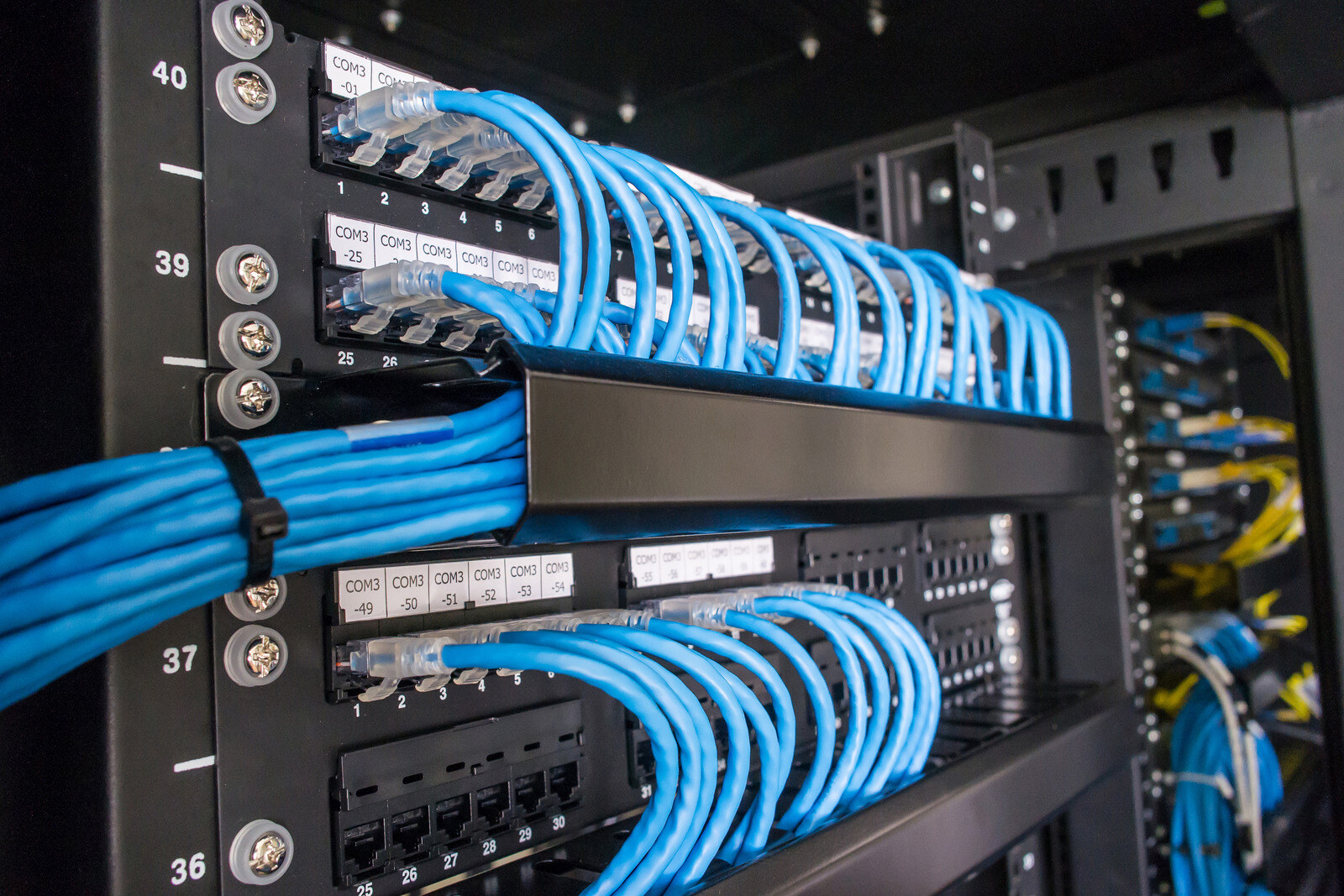
Poor cabling, improper terminations, or untested runs can undermine even the best wireless design. Professional installations ensure cabling, switching, and wireless systems work together as a unified network.
How Professional Wi-Fi Design Improves Business Outcomes
Well-designed Business Wi-Fi solutions deliver more than faster speeds.
Higher Productivity
Employees stay connected, applications respond faster, and mobile workflows remain uninterrupted.
Better Call Quality
VoIP and collaboration tools perform reliably, reducing dropped calls and support tickets.
Improved Security
Segmented networks, controlled access, and visibility into connected devices reduce risk.
Scalability for Growth
New users, devices, and locations can be added without redesigning the network from scratch.
In short, professional design turns Wi-Fi from a recurring problem into dependable infrastructure.
Nationwide Wi-Fi Design and Multi-Location Rollouts
For organizations with multiple locations, consistency matters. A standardized approach ensures every site delivers the same performance and security.
DataTel 360 provides nationwide Wi-Fi design, installation, and support, with technicians available in all 50 states, 24/7/365. From single offices to multi-site rollouts, networks are designed, deployed, and supported to the same standards—wherever your business operates.
Schedule a Wi-Fi or Network Assessment
If your business experiences slow Wi-Fi, dropped connections, or poor call quality, the issue is likely design—not bandwidth. A professional assessment can identify coverage gaps, interference, and architectural issues before they impact operations further.
DataTel 360 helps businesses design Wi-Fi the right way—secure, reliable, and built to scale.
Schedule a Wi-Fi or network assessment to understand what your environment truly needs and how to fix it properly.
Reliable Wi-Fi is no longer a convenience—it’s mission-critical infrastructure. From cloud applications and VoIP phones to mobile devices, scanners, cameras, and guest networks, modern businesses depend on wireless connectivity to operate efficiently.
Yet many organizations accept slow speeds, dropped connections, and poor call quality as “normal.” In reality, most business Wi-Fi problems stem from design and deployment issues—not the internet connection itself.
This article explains why business Wi-Fi fails, what separates consumer setups from enterprise wireless networks, and how a properly engineered approach delivers stable, secure, and scalable Business Wi-Fi solutions.
Common Reasons Business Wi-Fi Performs Poorly
Most Wi-Fi issues are predictable—and preventable. These are the most common problems found in commercial environments.
ISP Routers Used as Business Networks
Internet service provider (ISP) routers are designed for homes, not offices, warehouses, or multi-tenant buildings. They lack the processing power, configurability, and security controls required for dozens—or hundreds—of connected devices.
Poor Access Point Placement
Wi-Fi signals weaken quickly when blocked by walls, metal, shelving, or machinery. Mounting access points in hallways, closets, or random ceiling locations often creates dead zones and inconsistent coverage.
Interference and Congestion
Neighboring networks, cordless devices, industrial equipment, and poorly planned channel usage can all degrade wireless performance. Without RF planning, access points compete with each other instead of working together.
No Network Segmentation (VLANs)
When phones, computers, cameras, guest Wi-Fi, and IoT devices all share the same network, performance and security suffer. Lack of VLANs leads to congestion, broadcast noise, and increased risk.
Consumer-Grade Hardware in Commercial Spaces
Retail routers and mesh kits are not built for sustained load, roaming users, or business security requirements. They may work temporarily—but they fail under real-world demand.
Why “More Bandwidth” Doesn’t Fix Wi-Fi Problems
When Wi-Fi slows down, the instinctive response is to buy faster internet. While bandwidth matters, it rarely solves the root cause.
Wi-Fi performance depends on:
- Signal quality and coverage
- Access point density
- Proper channel usage
- Device roaming behavior
- Internal network design
If devices struggle to stay connected or roam poorly between access points, adding bandwidth simply gives them a faster connection to lose. True performance gains come from business network design, not larger internet bills.
What a Properly Designed Business Wi-Fi Network Includes
4
Professional commercial Wi-Fi installation follows a deliberate, engineered process—not guesswork.
Site Surveys and RF Analysis
Every building is different. A site survey evaluates construction materials, interference sources, and usage patterns to determine optimal access point locations and signal levels.
Correct Access Point Density
Too few access points create dead zones. Too many cause self-interference. Proper density ensures consistent coverage without congestion.
RF and Channel Planning
Access points must be configured to cooperate, not compete. Channel selection, transmit power, and band steering all matter in busy environments.
Enterprise-Class Network Architecture
Business Wi-Fi integrates with switches, firewalls, and monitoring systems designed for uptime, visibility, and control—not consumer convenience.
VLAN Segmentation
Separating voice, data, guest, and security traffic improves performance, enhances security, and simplifies troubleshooting.
Together, these elements form a scalable wireless foundation that supports growth instead of fighting it.
Wi-Fi and VoIP: Why They Must Be Designed Together
VoIP phones and softphones are especially sensitive to wireless issues. Even brief interruptions can cause choppy audio, dropped calls, or phones that appear “offline.”
Key requirements for voice over Wi-Fi include:
- Low latency and jitter
- Seamless roaming between access points
- Quality of Service (QoS) prioritization
- Clean RF environments
When Wi-Fi and voice are designed as separate systems, problems are inevitable. Successful deployments treat wireless and VoIP as a single, integrated solution.
Why Structured Cabling Still Matters for Wireless Networks
Despite the name, Wi-Fi is not wireless end-to-end. Every access point relies on physical infrastructure.
Structured cabling supports:
- Reliable backhaul to switches and firewalls
- Power over Ethernet (PoE) delivery
- Consistent throughput at each access point
- Long-term scalability and easier troubleshooting
Poor cabling, improper terminations, or untested runs can undermine even the best wireless design. Professional installations ensure cabling, switching, and wireless systems work together as a unified network.
How Professional Wi-Fi Design Improves Business Outcomes
Well-designed Business Wi-Fi solutions deliver more than faster speeds.
Higher Productivity
Employees stay connected, applications respond faster, and mobile workflows remain uninterrupted.
Better Call Quality
VoIP and collaboration tools perform reliably, reducing dropped calls and support tickets.
Improved Security
Segmented networks, controlled access, and visibility into connected devices reduce risk.
Scalability for Growth
New users, devices, and locations can be added without redesigning the network from scratch.
In short, professional design turns Wi-Fi from a recurring problem into dependable infrastructure.
Nationwide Wi-Fi Design and Multi-Location Rollouts
For organizations with multiple locations, consistency matters. A standardized approach ensures every site delivers the same performance and security.
DataTel 360 provides nationwide Wi-Fi design, installation, and support, with technicians available in all 50 states, 24/7/365. From single offices to multi-site rollouts, networks are designed, deployed, and supported to the same standards—wherever your business operates.
Schedule a Wi-Fi or Network Assessment
If your business experiences slow Wi-Fi, dropped connections, or poor call quality, the issue is likely design—not bandwidth. A professional assessment can identify coverage gaps, interference, and architectural issues before they impact operations further.
DataTel 360 helps businesses design Wi-Fi the right way—secure, reliable, and built to scale.
Schedule a Wi-Fi or network assessment to understand what your environment truly needs and how to fix it properly.